Ultimate Guide to Browser Privacy Extensions in 2026
Browser privacy extensions are your first line of defense against online tracking, data harvesting, and intrusive ads. In 2026, with stricter global privacy laws and evolving tracking technologies, choosing the right extension is critical. This guide covers the top privacy extensions, how they work, and which combinations offer maximum protection without slowing your browser.
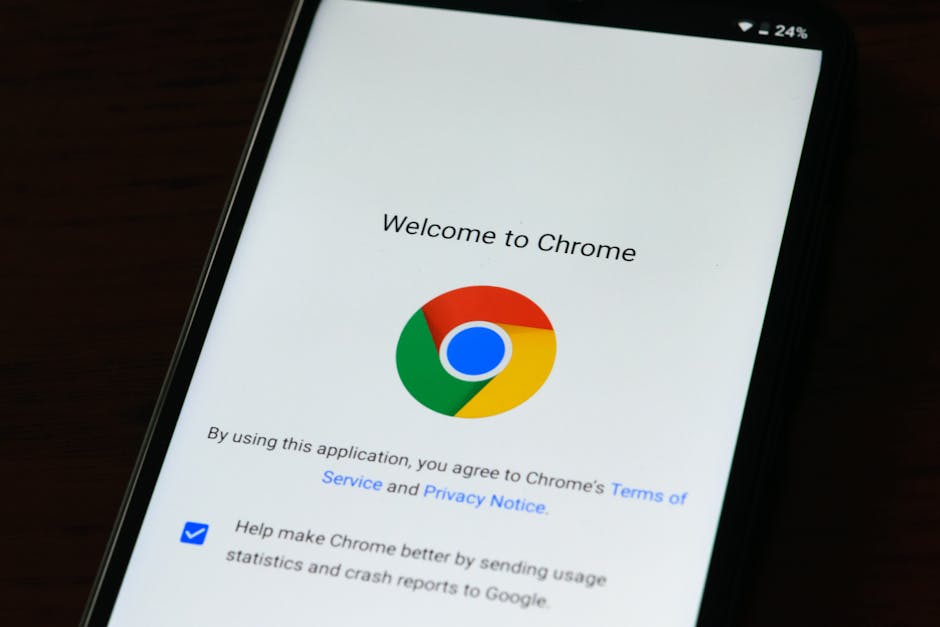
*Photo by Miguel Á. Padriñán on Pexels*
## Why You Need Privacy Extensions in 2026
Online tracking has become more sophisticated. Third-party cookies are fading, but fingerprinting, supercookies, and AI-driven tracking are on the rise. Privacy extensions block these techniques, prevent data leaks, and give you control over your digital footprint.
- Stop cross-site tracking – Prevents advertisers from following you across websites.
- Block malicious scripts – Protects against cryptominers and malware.
- Encrypt your connection – Forces HTTPS on supported sites.
- Reduce data collection – Limits what companies can learn about your behavior.
## Top Browser Privacy Extensions for 2026
Here are the most effective extensions, tested for performance, privacy, and ease of use.
| Extension | Key Features | Best For | Free/Paid |
|---|---|---|---|
| uBlock Origin | Ad blocking, script filtering, anti-fingerprinting | All-around protection | Free |
| Privacy Badger | Learns trackers automatically | Beginners | Free |
| Ghostery | Tracker blocking, ad blocking, speed optimization | Users wanting analytics | Free + Premium |
| DuckDuckGo Privacy Essentials | Search privacy, tracker blocking, email protection | Privacy beginners | Free |
| NoScript | Blocks all scripts by default | Advanced users | Free |
| ExpressVPN Extension | VPN + tracker blocking | Combined privacy & speed | Paid |
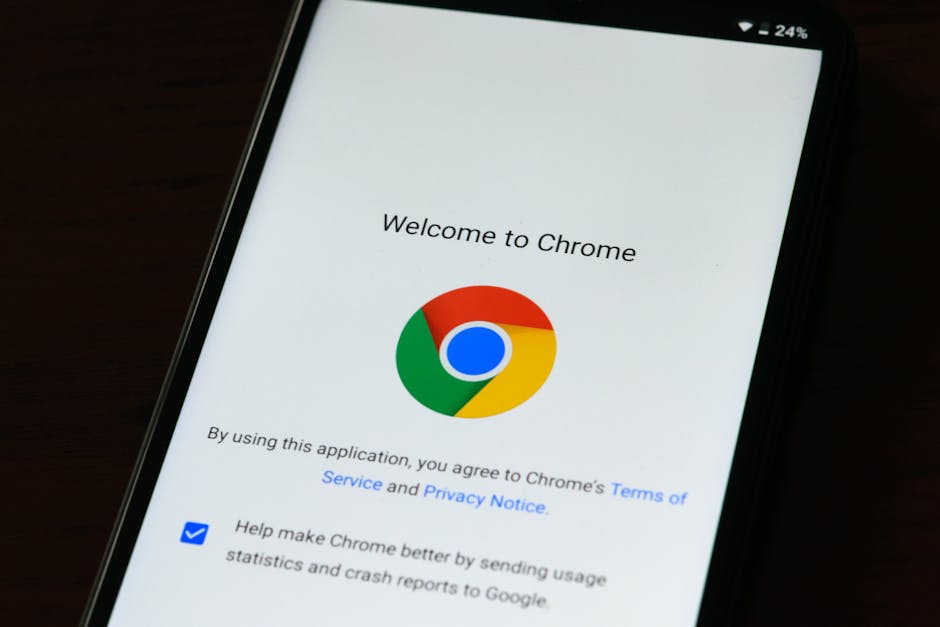
*Photo by AS Photography on Pexels*
## How to Choose the Right Extension
Not all extensions are equal. Consider your browsing habits and privacy needs.
### For Daily Browsing
Use uBlock Origin + Privacy Badger. This combo blocks ads, scripts, and trackers without breaking websites. It’s lightweight and works on Chrome, Firefox, and Edge.
### For Maximum Privacy
Use NoScript + DuckDuckGo Privacy Essentials. NoScript blocks all JavaScript by default—ideal for high-risk browsing. DuckDuckGo adds search privacy and tracker blocking.
### For VPN Integration
Use ExpressVPN Extension. It combines a VPN with tracker blocking, making it perfect for public Wi-Fi or geo-restricted content.
## Step-by-Step Installation Guide
Follow these steps to install and configure privacy extensions.
1. Open your browser’s extension store (Chrome Web Store, Firefox Add-ons, or Edge Add-ons).
2. Search for your chosen extension (e.g., “uBlock Origin”).
3. Click “Add to [Browser]” and confirm installation.
4. Pin the extension to your toolbar for easy access.
5. Adjust settings – Enable “Advanced user” mode in uBlock Origin for more control.

*Photo by AS Photography on Pexels*
## Common Mistakes to Avoid
- Installing too many extensions – They slow down your browser and can conflict.
- Ignoring permissions – Some extensions request unnecessary data access.
- Not updating extensions – Outdated versions miss new tracking techniques.
- Using free VPN extensions from unknown developers – They may sell your data.
## Privacy Extension Tips for 2026
- Enable “Strict” blocking mode in Privacy Badger for maximum protection.
- Use uBlock Origin’s “Medium” mode – Blocks most trackers without breaking sites.
- Combine with a privacy-focused browser like Brave or Firefox with Enhanced Tracking Protection.
- Test your setup with tools like Cover Your Tracks (formerly Panopticlick).
## Best Practices for Privacy Extensions
- Use only 2-3 extensions – More isn’t better; it’s slower.
- Whitelist trusted sites – Some websites need scripts to function.
- Clear cookies and cache weekly – Prevents long-term tracking.
- Check extension reviews – Only install from reputable developers.
## Conclusion
In 2026, browser privacy extensions are essential for anyone who values their online privacy. The right combination—like uBlock Origin with Privacy Badger—can block 99% of trackers, prevent fingerprinting, and speed up your browsing. Start with one or two extensions, configure them properly, and test your privacy level regularly.
Ready to take control of your online privacy? Visit plugintutor.tech for more in-depth tutorials, product comparisons, and expert recommendations on the best browser plugins for privacy, productivity, and security.